
 It might feel convenient, but storing your passwords — or even your credit card details — in your browser is a risky habit. Here’s why:
- Anyone with access to your computer can log in. If a coworker, contractor, or even a visitor gets their hands on your device, they could easily access your accounts.
- Browsers aren’t built for high security. Tools like Chrome weren’t designed to securely protect sensitive credentials. Hackers have developed ways to strip saved passwords from browsers, making it easier to compromise your accounts.
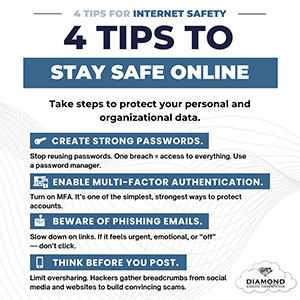
The safer solution? Use a professional-grade password manager. Password managers let you create strong, unique passwords and store them securely in one place, reducing your vulnerability to breaches.
It’s a simple switch that adds a big layer of protection.
🔐 Ready to improve how your organization handles passwords? Book a free 10-minute discovery call with Diamond Business Communications today.
💡 Want more practical tips like this?
Stay one step ahead of hackers and cyberattacks by signing up for our free Cybersecurity Tip of the Week. Receive expert insights straight to your inbox and safeguard your business, customers, and reputation. Subscribe here.